AI Assistance
Getting Started
QUANTCONNECT AGENTS
Agentic AI helpers to execute your quant research process.
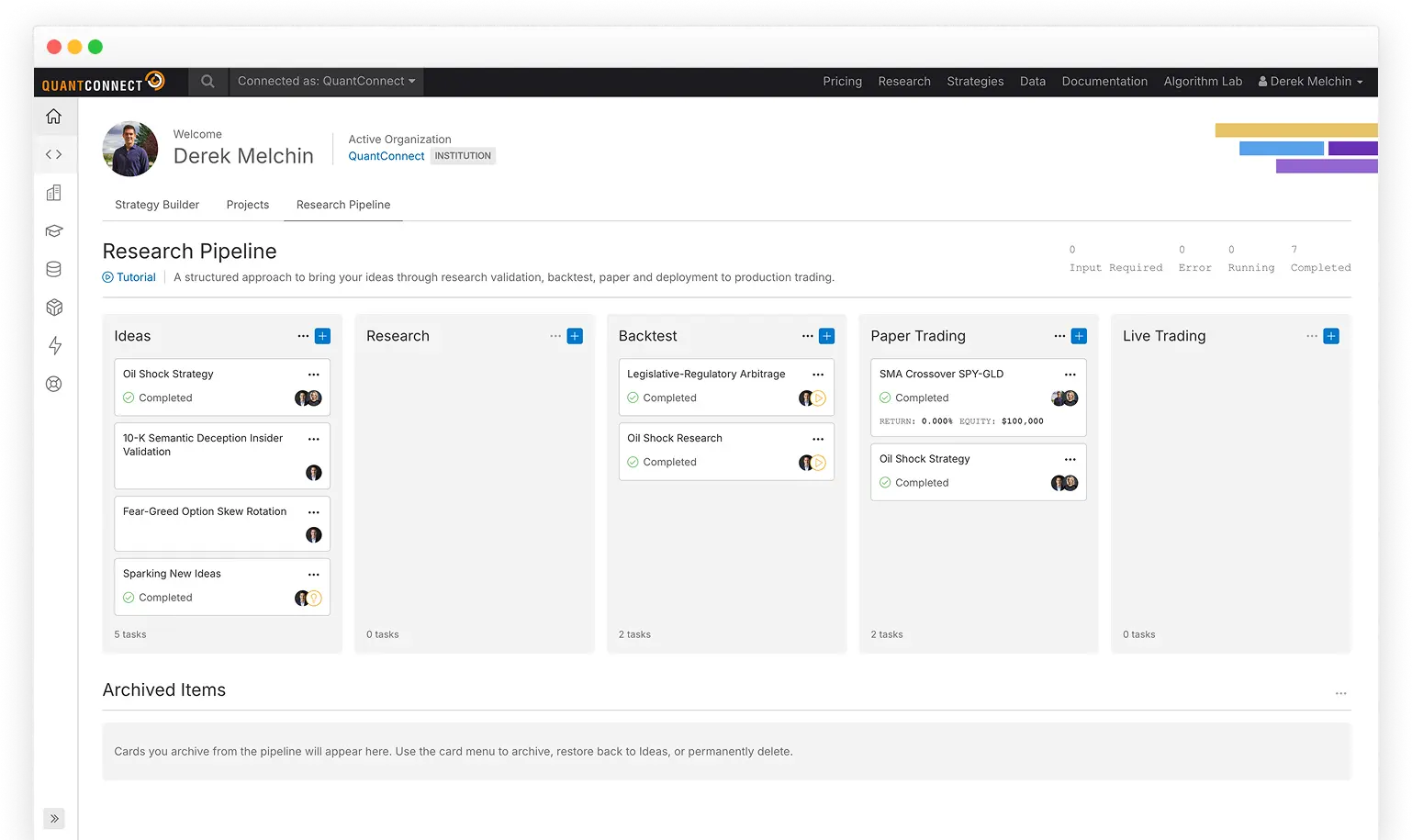
We are deeply integrating AI into our core product to make designing algorithms on QuantConnect as easy as possible. Most clients will experience the benefits of this without realizing it, as our platform quietly solves issues. If you'd prefer a more hands-on approach or a local LLM integration, you can tap into the new tools we publish to make this easier—such as our chatbots, agents, and an MCP server. Behind them all, our Agent servers act as a harness for quant finance: they wrap your AI models in the tools, data, and project context they need to do real research, making whichever model you choose far more productive.
Mia - Agentic Peer Programmer
Mia is our agentic peer programmer. Think of agentic coding as a form of pair programming, where you are the observer who gives high-level directions and Mia is the driver who writes the code and calls the QuantConnect API. She is aware of the entire project's context, QuantConnect documentation, runtime errors, and logs, and uses a proprietary blend of commercial and open-source models to accomplish the goals you set. We trained Mia on hundreds of algorithms and thousands of documentation pages to provide contextual assistance for most issues you may encounter when developing a strategy. Agentic conversations like this unlock the ability for everyone to create, research, and deploy algorithmic trading strategies without being an expert programmer.
We encourage using Mia before other commercially available LLMs. Our benchmarks show Mia is able to generate working QuantConnect code in 75% of test cases vs OpenAI or Claude.
QuantConnect MCP Server
The QuantConnect MCP server is a bridge for AIs to interact with our cloud platform. This server equips the LLM with tools to create projects, run backtests, deploy live algorithms, and more. For more information, see MCP Server.
QuantConnect Agents
Agents are AI specialists that handle the distinct stages of building a trading strategy. They source ideas, validate them, code the backtest, and shepherd the result through paper trading. Each one focuses on a single part of the workflow and has the tools to do the work rather than just describe it. Talk to an agent directly, or hand the whole job to the Conductor and let it route the work through the team on your behalf.
To supercharge your productivity, add agents to your Research Pipeline, a kanban board that tracks your projects through the stages of research validation, backtesting, paper trading, and live trading.
Follow these steps to create and deploy a new strategy to paper trading with the help of the Agents:
2. Click the Research Pipeline tab.
3. On the Research Pipeline, click the  Add card icon.
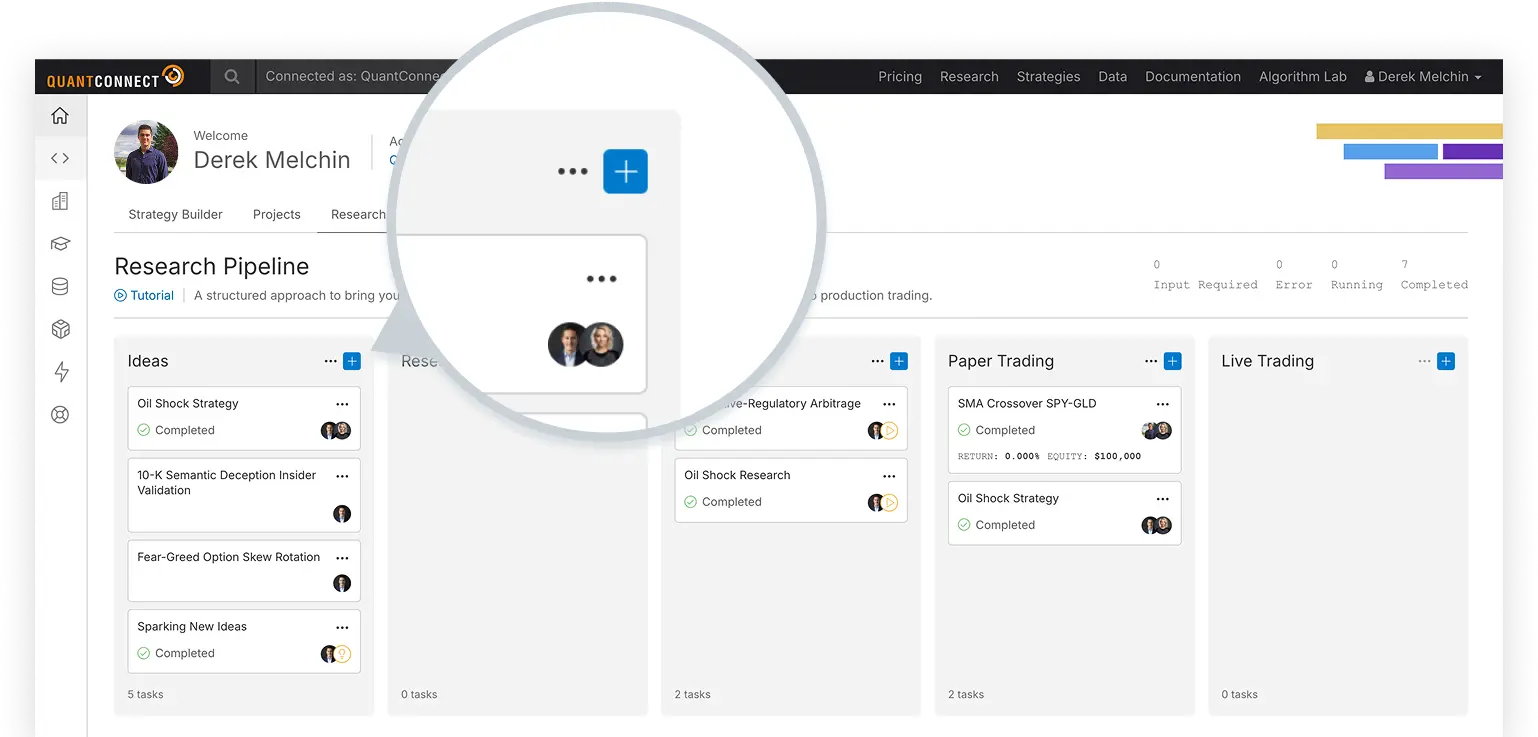
4. In the description text area, describe a new trading idea you want to investigate.
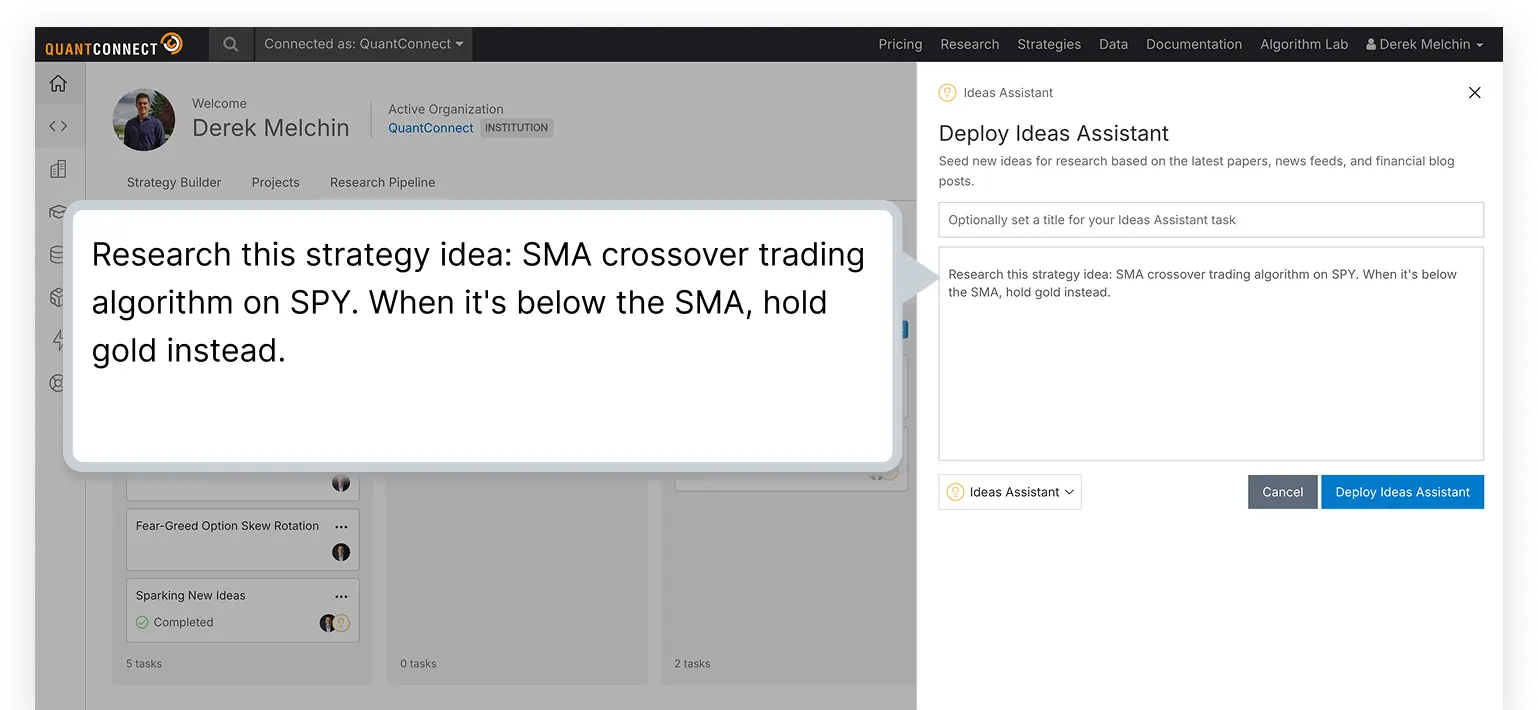
5. In the bottom-left corner, click the Agent field and then click Mia from the drop-down menu.
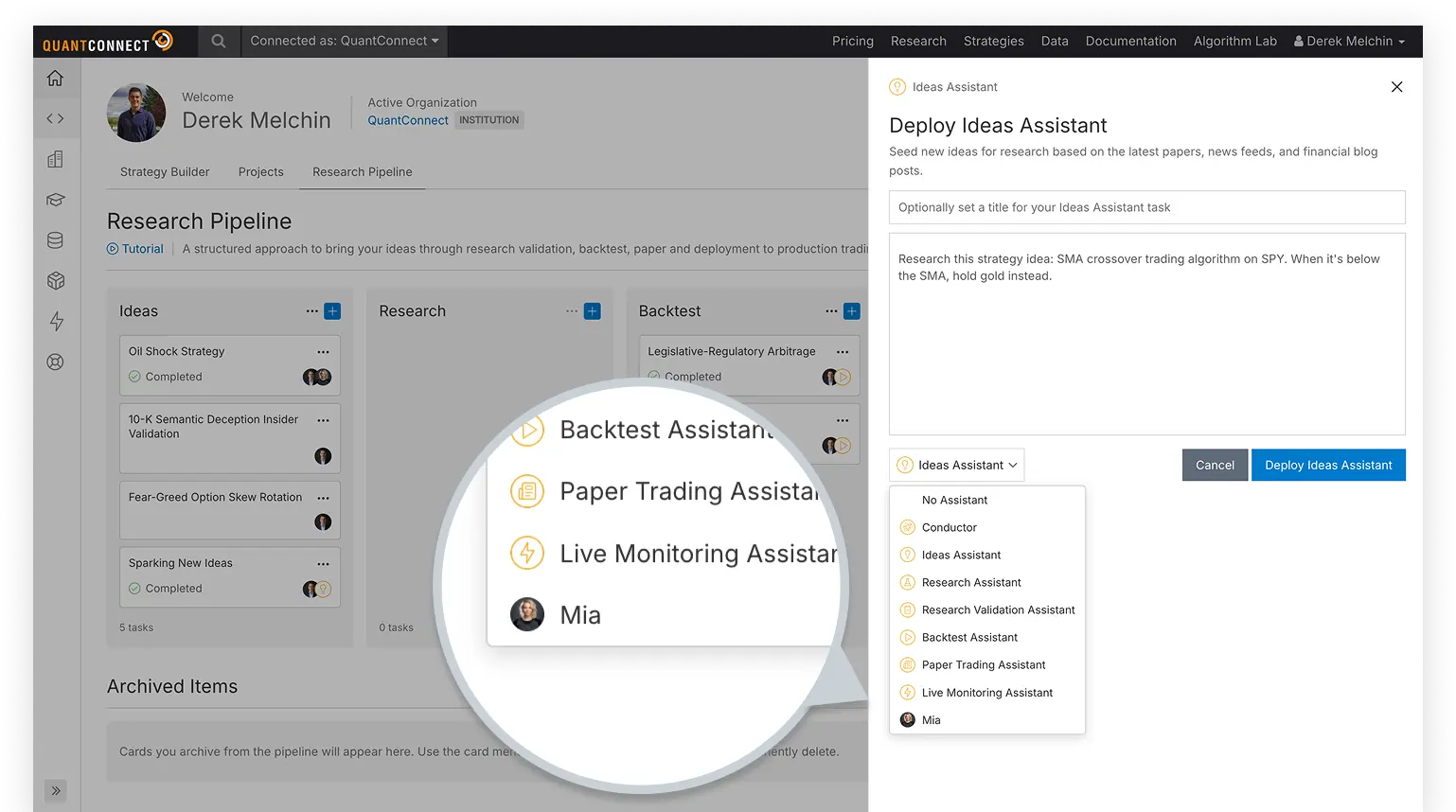
6. Click .
Congratulations! You've just deployed your first agent. Mia will read your description and then get to work researching the idea and writing code.
7. When Mia finishes the research, prompt her to backtest the strategy.
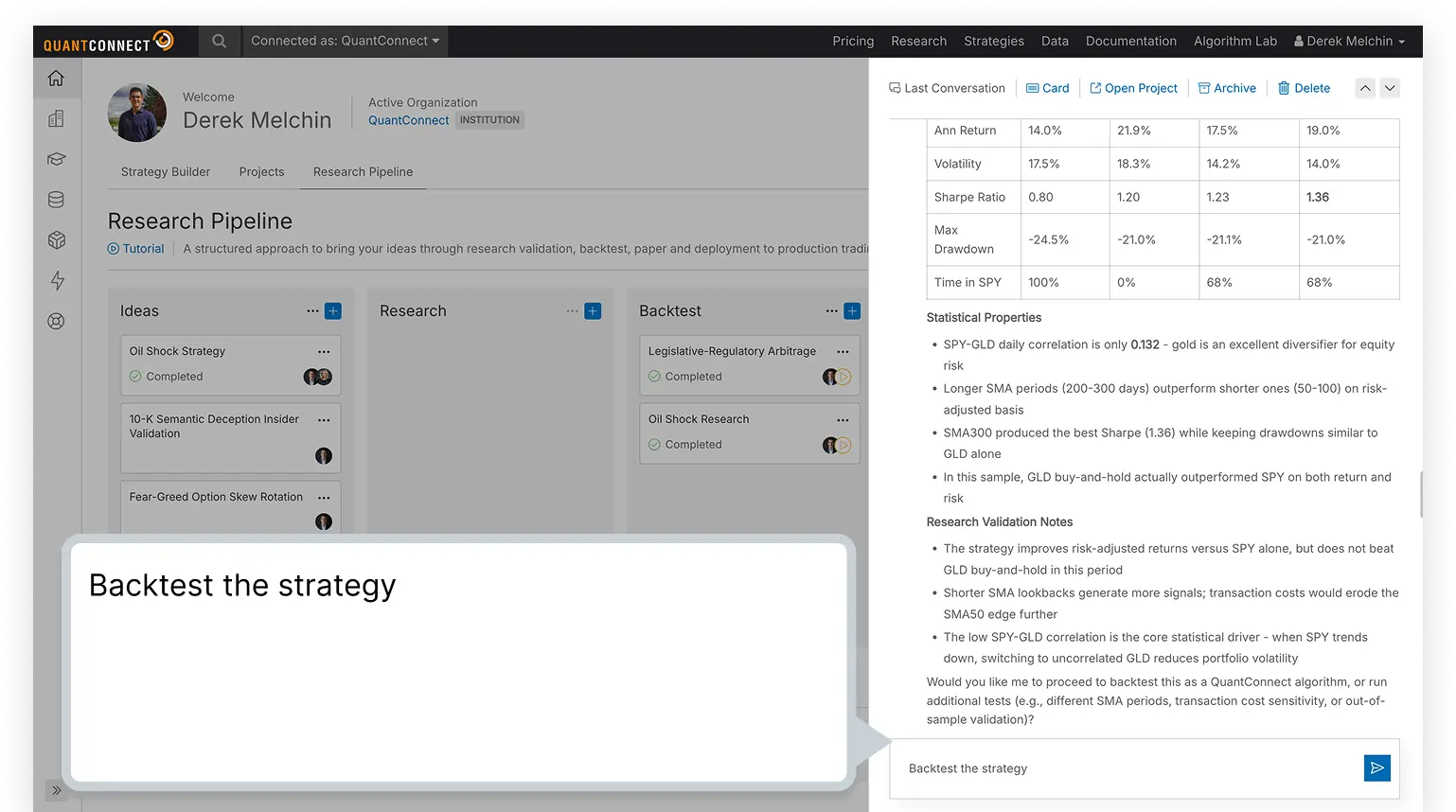
8. When the backtest completes, ask Mia to deploy the strategy to paper trading.
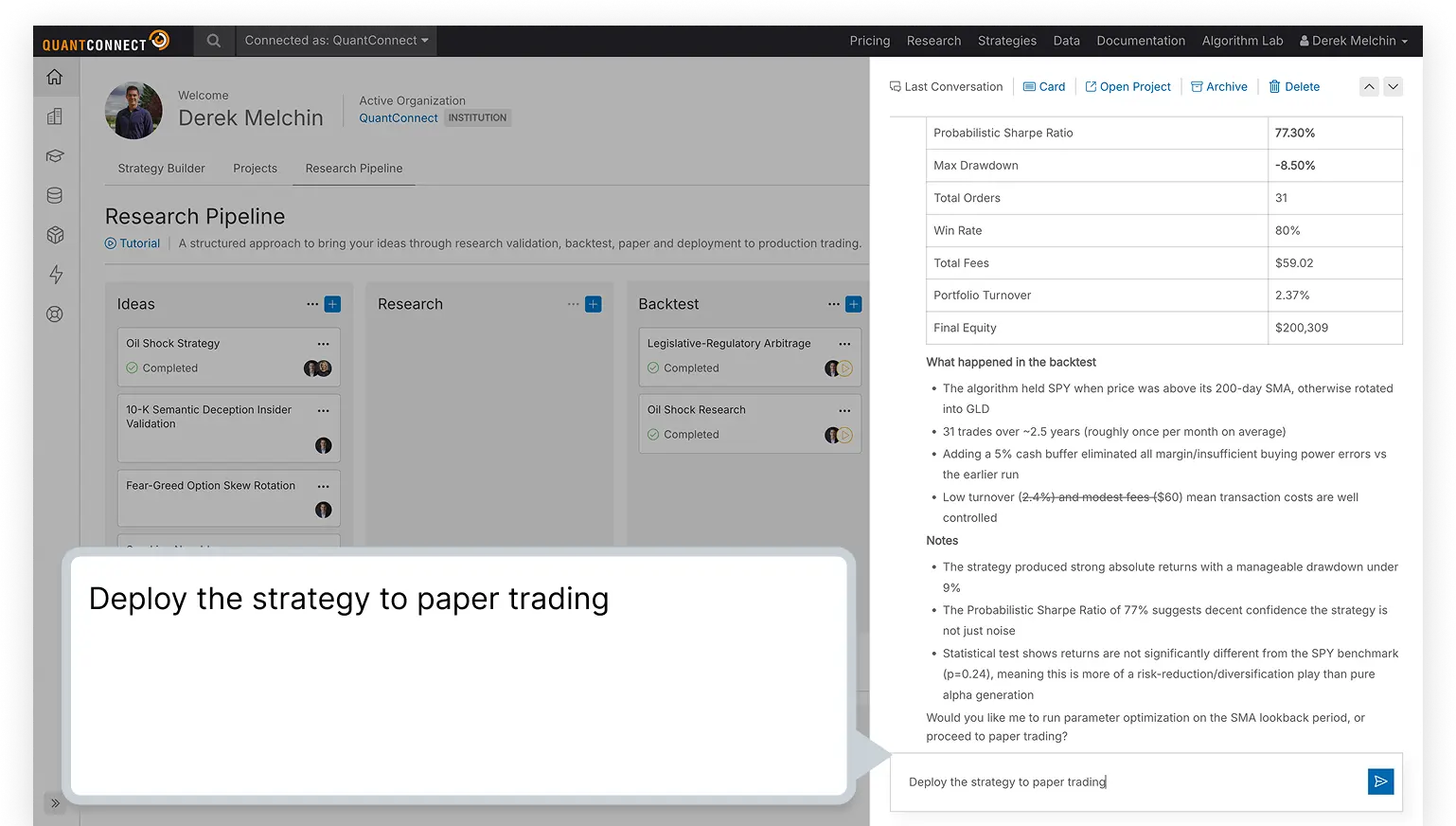
9. At the top of the conversation, click "Open Project" to open it.
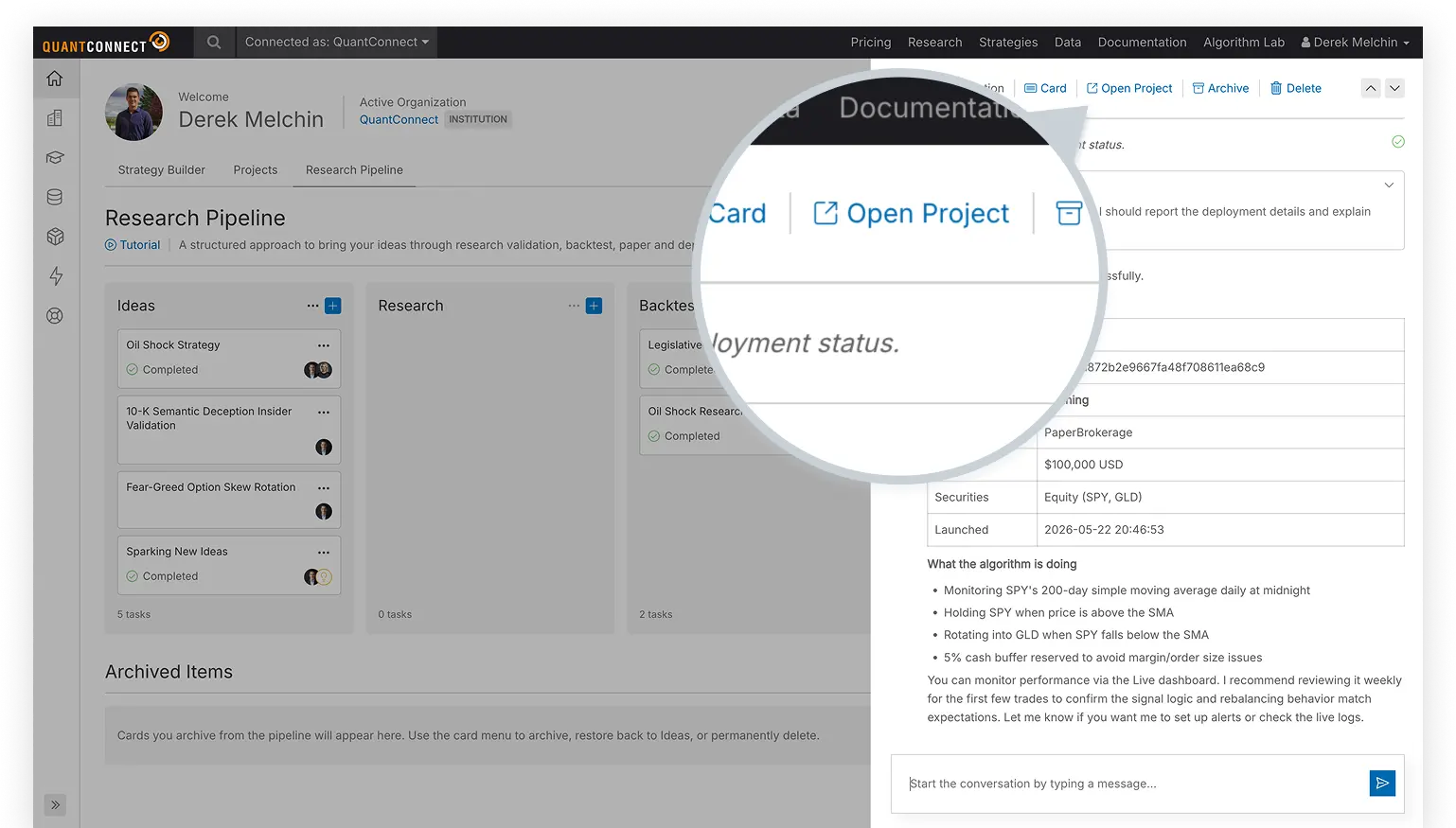
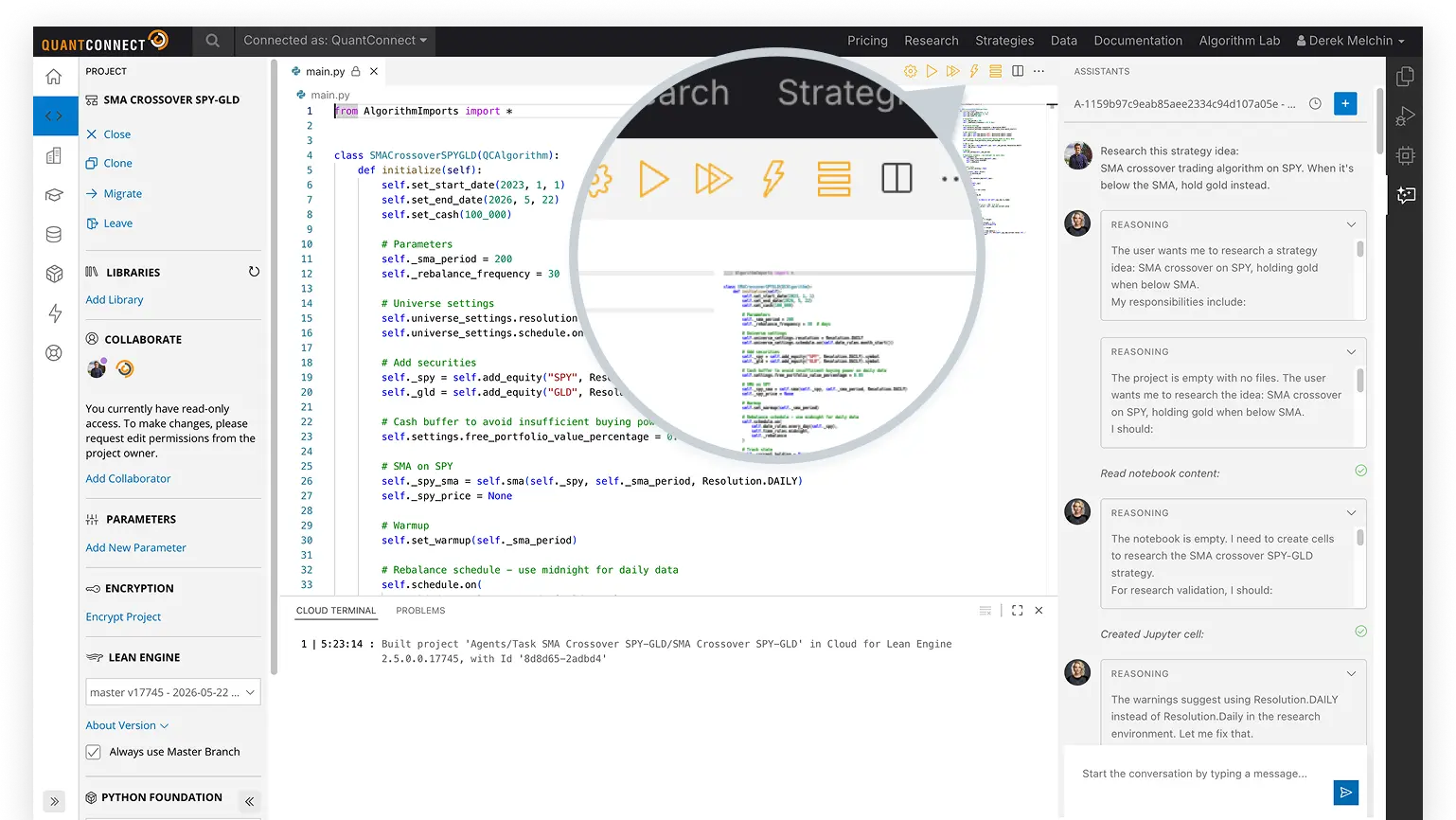
10. At the top of the project page, click the  Deploy Live icon.
This page shows you the live performance of your strategy as it runs in the market, and you can check back here anytime to see how it's doing.
You can also see our Videos. You can also get in touch with us via Discord.
Did you find this page helpful?
